RealFlight 9.x VR Tips
Here are some things we would like everyone to know about VR. They are grouped into two different sections based on whether they apply specifically to performance or to the overall experience.
VR Experience
Resolution
The current virtual reality headsets provide roughly half as many pixels as a standard widescreen monitor. VR is not about a high resolution presentation. The hardware isn't there yet. Instead, it's about the experience.
Even if the aircraft doesn't look quite as good as it does on your monitor, it's far more immersive to look around the world freely, tracking your model just like you would at the field. VR lets you do things like glance between your model and the runway when lining up for a landing. If you get away from yourself and lose orientation, no longer can you rely on the movement of the camera as a clue; you really need to fly your way out of it. A simulation should feel as close to the real thing as possible. VR adds a new level of realism that has nothing to do with adding pixels.
PhotoFields and VR
PhotoFields do work in VR, but you won't get the full experience. Because the panorama used to create the PhotoField is monoscopic (2D), the entire simulation has to be rendered that way. This means that you don't get the 3D effect that lets you judge distance, etc. in VR. This might make the aircraft's scale seem strange, and it might make it harder to focus on the aircraft against the background.
The 2D panorama also means that you can't move your head around. Your look direction is tracked, but your position has to be locked.
We know that many users swear by the PhotoFields, so we kept them working in VR. Just bear in mind their limitations.
3D Airports and VR
3D airports (all airports except PhotoFields) allow the full VR experience. In these flying sites, the terrain and all objects are rendered in full stereoscopic 3D. You can even walk around if your physical VR space is big enough. All camera modes are enabled at 3D fields.
Camera Modes and VR
For extra fun, try the different camera modes. Models with cockpits are particularly rewarding. Scaling is applied to cockpit cameras to make the aircraft feel bigger - your head wouldn't fit inside many model canopies! In general, the cockpit VR experience will feel like flying a full-scale aircraft.
Some users may experience VR-sickness with flying camera modes. This is a hazard with any application that moves the camera around, not just RealFlight.
VR Performance
Framerate is Important!
Maintaining 90 frames per second (FPS) is critical for a good experience in VR. The system automatically locks the framerate to 90 fps. If it can't sustain that, it drops all the way to 45 fps (and even further to 22.5 if needed). At framerates below 90 fps you can expect to see some doubling of the image and generally have a subpar experience. Therefore, it is important to check your framerate and adjust settings as needed to achieve 90 fps.
Checking Your Framerate
First, make sure you are running version 9.x. Then simply turn on the NavGuides gadget within RealFlight and look at the "Graphics Frames/Sec" readout. Note that some airports and aircraft are more demanding than others. You may find your framerate varies depending on what you are doing and where.
Improving Your Framerate
Improve your framerate by adjusting RealFlight's graphics quality settings. The simplest way to do this is to select Simulation‑>Graphics… from the main menu and choose a lower setting. For finer control, select Simulation‑>Settings… from the main menu, navigate to the Graphics‑>Quality settings group, then tweak individual settings. (Note that changes to some settings do not take effect until the sim is restarted. See each setting's description for more info.)
You should do whatever it takes to achieve 90 fps in VR, even if it means lowering quality settings beyond what you might otherwise find acceptable for regular sim usage. Some of these settings aren't very noticeable in VR and won't be missed. For example, normal maps add a lot of value on a standard monitor, but provide almost no benefit within VR. Turn them off for an easy and painless gain.
"VR Quality" Setting
Within a separate Virtual Reality settings group in the Simulation‑>Settings dialog you will find a "VR Quality" setting. Its name makes it a tempting target when trying to enhance your VR experience, but use it only as a last resort! Lowering that setting will have more of a negative impact on the visual quality than anything you might change in the Graphics‑>Quality group.
That is because the VR Quality setting alters the resolution of the entire image being presented to each of your eyes, which is then scaled up or down to match the physical resolution of your headset's screens. If you lower it, everything is rendered at a smaller size and then stretched to fit (think of it like zooming in), which creates ugly artifacts.
We strongly recommend keeping this setting on High unless you have a compelling reason to change it. On High, visuals are rendered at exactly the right size for the hardware, meaning no scaling occurs.
When Should I Adjust the VR Quality Setting?
- Your graphics card is at the very low end of what is supported and struggles to sustain a desirable framerate even after reducing standard graphics quality settings as described above. Lowering this setting just might give you the last little boost you need to experience VR.
- Your powerful system easily maintains 90 fps everywhere you fly even with all the graphics quality settings cranked up, and you are looking for ways to further improve the visuals. Increasing this setting will result in supersampling of the entire image for each eye, which can add a small amount of antialiasing. Be sure to verify that you still see 90 fps with it raised.
V-Sync and VR
If you are using VR, make sure Vertical Sync is disabled in RealFlight. This setting is located in the Graphics‑>Hardware group.
Aircraft
Airplanes
 Airboat
 AJ Slick (51 inch)
 AT-6 Texan
 Albatros D.Va
 AR-6 Endeavor
 B-25 Mitchell
 Bede BD-5J
 Cessna 182 Skylane
 Dynaflite Super Decathlon
 E-flite A-10 Thunderbolt II Twin 64mm EDF Jet with AS3X and SAFE Select Technologies
 E-flite® Apprentice® S 15e with SAFE Technology
 E-flite Apprentice® STS 1.5m with SAFE® Technology
 E-flite Carbon-Z® Cessna 150 2.1m with AS3X and SAFE Select Technologies
 E-flite Cirrus SR22T 1.5m with AS3X and SAFE Select Technologies
 E-flite Delta Ray® One with SAFE® Technology
 E-flite Extra 300 3D 1.3m with AS3X and SAFE Select Technologies
 E-flite EC-1500 Twin 1.5m with AS3X and SAFE Select Technologies
 E-flite F-15 Eagle 64mm EDF Jet with AS3X® and SAFE Select Technologies
 E-flite F-16 Thunderbirds 70mm EDF Jet with AS3X and SAFE Select Technologies
 E-flite F-27 Evolution with AS3X and SAFE Select Technologies
 E-flite Habu STS 70mm EDF Jet with SAFE Technology
 E-flite Havoc Xe 80mm EDF with AS3X and SAFE Select Technologies
 E-flite Mini Convergence® VTOL
 E-flite Night Timber X 1.2m with AS3X and SAFE Select Technologies
 E-flite P-51D Mustang 1.5m with AS3X and SAFE Select Technologies
 E-flite Timber™ 1.5m with AS3X® and SAFE Select Technologies
 E-flite Timber 1.5m with Floats, AS3X and SAFE Select Technologies
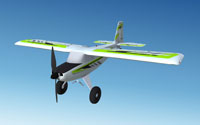 E-flite Timber® X 1.2m with AS3X and SAFE Select Technologies
 E-flite Turbo Timber 1.5m with AS3X and SAFE Select Technologies
 E-flite Turbo Timber 1.5m with Floats, AS3X and SAFE Select Technologies
 E-flite Twin Otter 1.2m with AS3X and SAFE Select Technologies
 E-flite Twin Otter 1.2m with Floats, AS3X and SAFE Select Technologies
 E-flite UMX Turbo Timber® with AS3X and SAFE Select Technologies
 E-flite V1200 1.2m with AS3X and SAFE Select Technologies
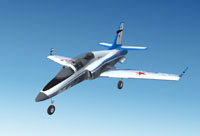 E-flite Viper 70mm EDF with AS3X® and SAFE Select Technologies
 ElectriFly BLT Park Flyer
 ElectriFly Cirrus SR-22 Turbo
 ElectriFly Edge 540
 ElectriFly Edge 540T EP 3D XLC
 ElectriFly ElectroStreak
 ElectriFly Evader
 ElectriFly FlatOuts Extra 300S
 ElectriFly Fundango
 ElectriFly PBY Catalina
 ElectriFly Rifle
 ElectriFly Slinger
 ElectriFly Yak-54 3D
 Extra 300L
 F-86
F-86 F5D Pylon Racer
 Flyzone AirCore ME-109
 Flyzone AirCore P-51
 Flyzone AirCore Principle
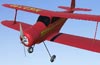 Flyzone Beechcraft Staggerwing
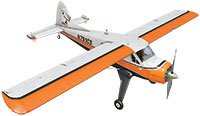 Flyzone DHC2 Beaver
 Flyzone Diablo Trainer
 Flyzone Diablo Sport
 Flyzone Hadron
 Flyzone Millennium Master
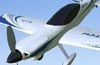 Flyzone Mini Switch Sport
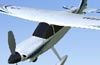 Flyzone Mini Switch Trainer
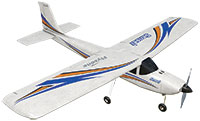 Flyzone Sensei
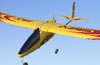 Flyzone SkyFly
 Flyzone SkyFly 2
 Flyzone Switch Sport
 Flyzone Switch Trainer
 FMS F-15 Eagle V2 64mm EDF
 Futaba SkyLeaf 55
 Gary Wright Model Products E3D
 Gee Bee R-2
 Great Planes Avistar Elite
 Great Planes Big Stik
 Great Planes Big Stik w/Floats
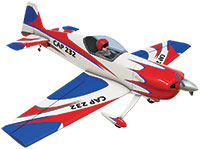 Great Planes CAP 232
 Great Planes Factor 30cc
 Great Planes Micro F-86 Sabre EDF
 Great Planes PT-40
 Great Planes Proud Bird
 Great Planes SpaceWalker
 Great Planes Revolver
 Great Planes Super Sportster
 Great Planes Super Sportster w/Floats
 Great Planes Ultra Sport
 Hall Bulldog
 Hangar 9® Carbon Cub 15cc
 Hangar 9 Ultra Stick 30cc
 Hangar 9 CubCrafters XCub 60cc
 Hangar 9 P-51D Mustang 20cc
 Hangar 9 Pitts S-2B 50-60cc
 Hangar 9 Valiant 10cc
 Harrier
 Hobbico ElectriStar
 Hobbico NexSTAR
 Hobbico NexSTAR ARFs
 Hobbico NexSTAR EP
 Hobbico NexSTAR EP ARFs
 Hobbico Twinstar
 HobbyZone AeroScout™ S 1.1m with SAFE® Technology
 HobbyZone® Sport Cub S with SAFE® Technology
 HobbyZone Carbon Cub S+ 1.3m with SAFE Plus Technology
 L-39 Albatross
 ME 262
 Messerschmitt BF109e
 Mitsubishi A6M Zero
 Multiplex Easy Star
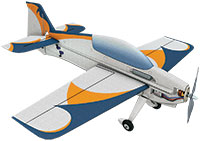 Multiplex ParkMaster 3D
 North American AT-6 Texan
 P-6E Hawk
 P-51D Mustang
 PAU Edge 540 36%
 Paper Airplane
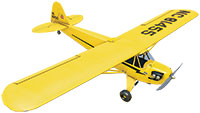 Piper J-3 Cub
 Piper J-3 Cub w/Floats
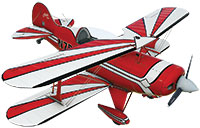 Pitts S-2B
 Riley Model B
 Ripmax WOT 4 Foam-E Mk2
 Russian Thunder Yak-54
 Ryan STA
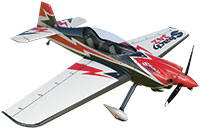 Sbach Thunderbolt 35%
 Schneider Cup Racer
 Seawind
 Sig Seniorita
 Simple Flyer
 SkyShip
 Sopwith Pup
 Top Flite Cessna 182 Skylane
 Top Flite F4U Corsair
 Top Flite Focke-Wulf 190
 Tower Hobbies Extra Special
 Travel Air Mystery Ship
 Ultimate Biplane
 Wild RC Mini IFO
 Wright Flyer (1903)
 Yak-54
 xCraft X PlusOne





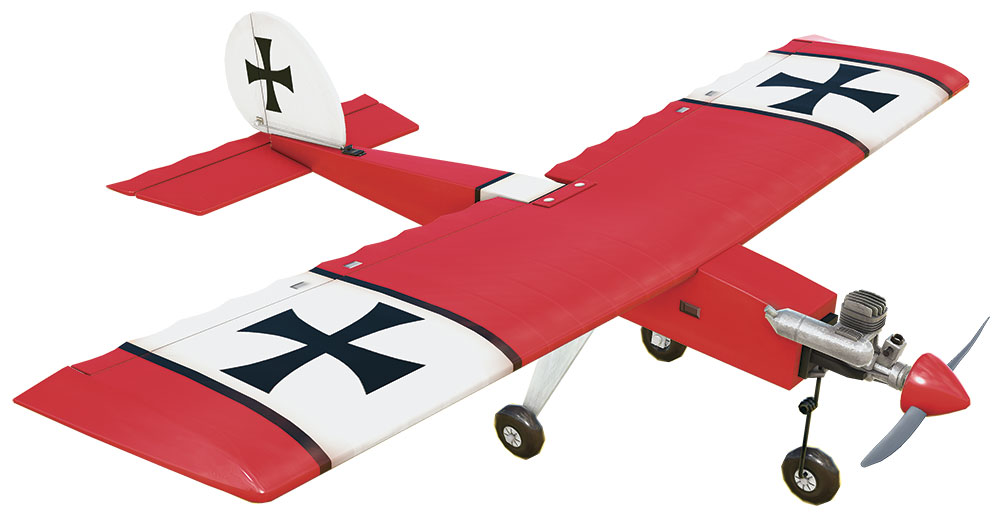


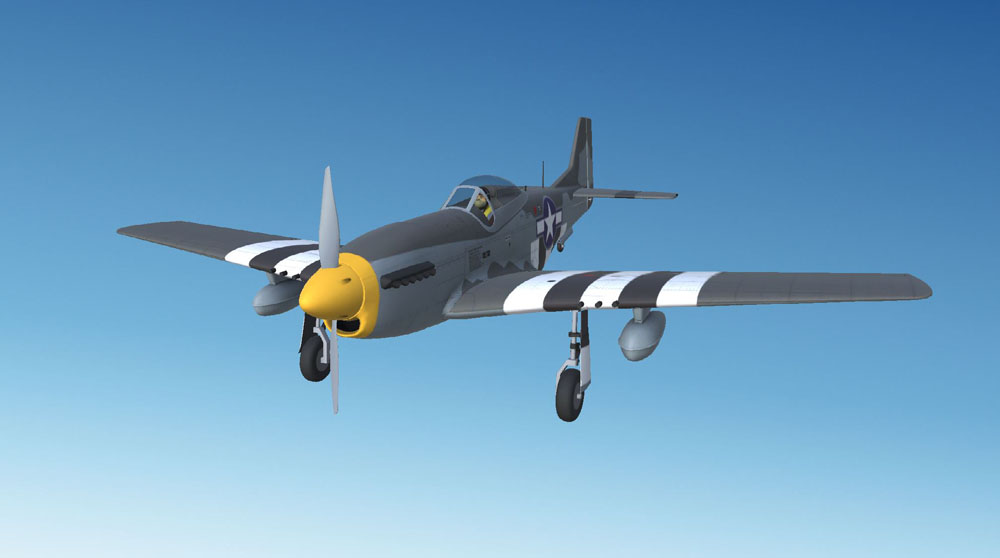


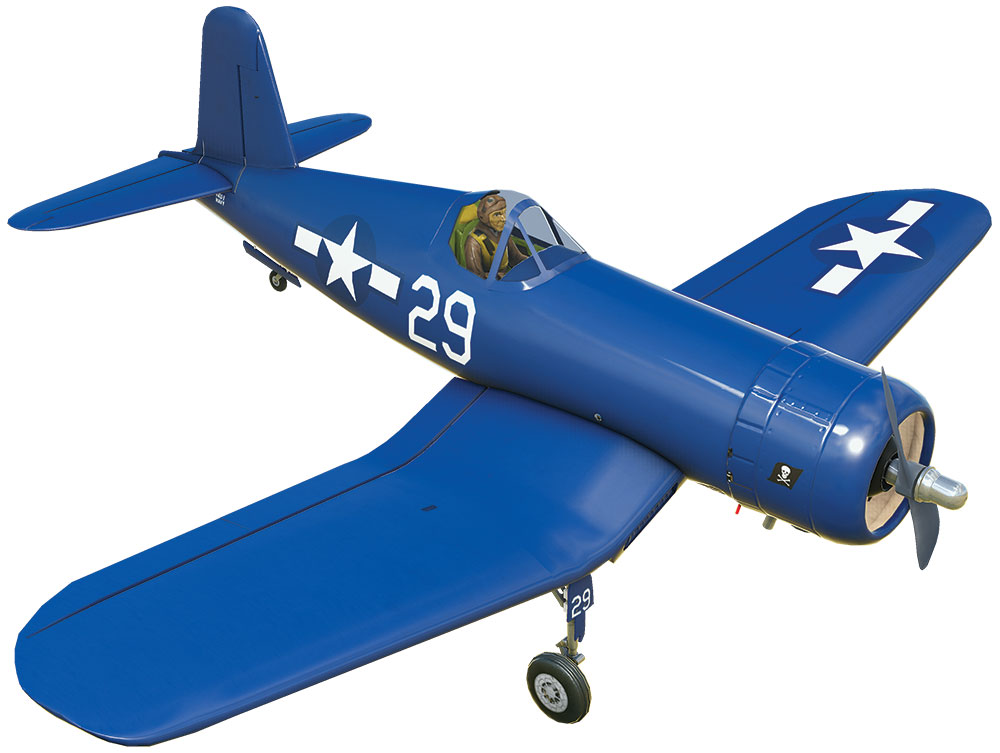


Sailplanes
 DynaFlite Bird of Time
 Flyzone Calypso
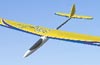 Great Planes Fling 2-Meter
 Great Planes Kunai
 Great Planes Spirit 100
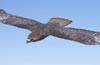 Hawk
Hawk Mistral 3M
 ParkZone® Conscendo™ Advanced with AS3X and SAFE Select Technologies
 RF-97
RF-97 Shuriken 60 Sloper


Helicopters
 Align T-Rex 500
 Blade 230 S V2 with SAFE® Technology
 Blade® Fusion™ 270 with SAFE Technology
 Blade Fusion 480
 Dominion 3D 90
 Dominion 3D 90 Flybarless
 Dominion 400
 Dominion 450
 Ecureuil
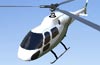 Ecureuil Scale Head
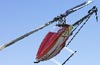 Gaui X7
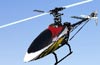 Helimax Axe 400 3D
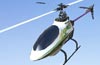 Helimax Axe CP
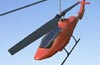 Helimax Axe EZ
 Hind Mi-24
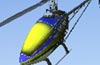 KDE 700
 Mako F3C
 Miniature Aircraft X-Cell Furion 450
 Rave 90 ENV
 Rave 90 ENV FBL
 Rave ENV Electric
 Rave ENV Electric FBL
 Schweizer
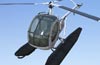 Schweizer w/Floats
 Skycrane
 Synergy 766
 Synergy E6
 Synergy E7
 Synergy N5c
 Synergy RC 696 Helicopter
 Thunder Tiger Innovator Expert
 Thunder Tiger Raptor 90 G4
 Thunder Tiger Raptor E700
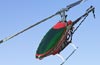 Thunder Tiger Raptor E720 FBL
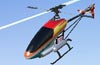 Tutor 600
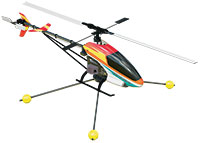 Tutor 600 Trainer
 Westland Lynx


Drones
 8X Quad 1260
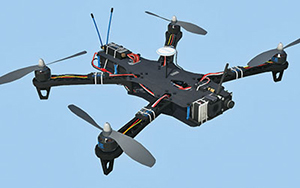 Explorer 580
 Gaui 330X-S Quad Flyer
 H4 Quad 520
 Helimax 1SQ
 Helimax FORM 500
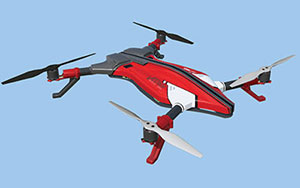 Helimax Voltage 500 3D
 Hexacopter
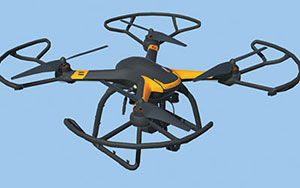 Hubsan X4 Pro
 Octocopter
 Quad X
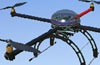 Quadcopter
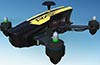 RISE RXS255
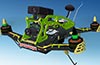 Scorpion Sky Strider 280 (2 variants)
 Tricopter
 Tempest 250 (2 or more variants)
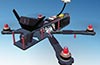 Tempest 280
 Tiny Terror 150
 Xiro Xplorer (2 variants)